
The ability to app customize has become a defining factor in whether startups succeed or fail in today's competitive marketplace. Entrepreneurs launching minimum viable products face a critical challenge: creating applications that feel unique and tailored whilst maintaining the speed and efficiency needed to reach market quickly. The balance between customisation and functionality determines not only user satisfaction but also long-term scalability and maintenance costs. Understanding when to customise, how deeply to modify standard features, and which elements deserve bespoke treatment separates successful product launches from costly missteps.
When founders approach the decision to app customize their MVP, they must first establish clear priorities. Customisation without strategy leads to bloated applications that drain resources and confuse users. The most successful startups identify three to five core differentiators that genuinely set their product apart from competitors, then focus customisation efforts exclusively on those areas.
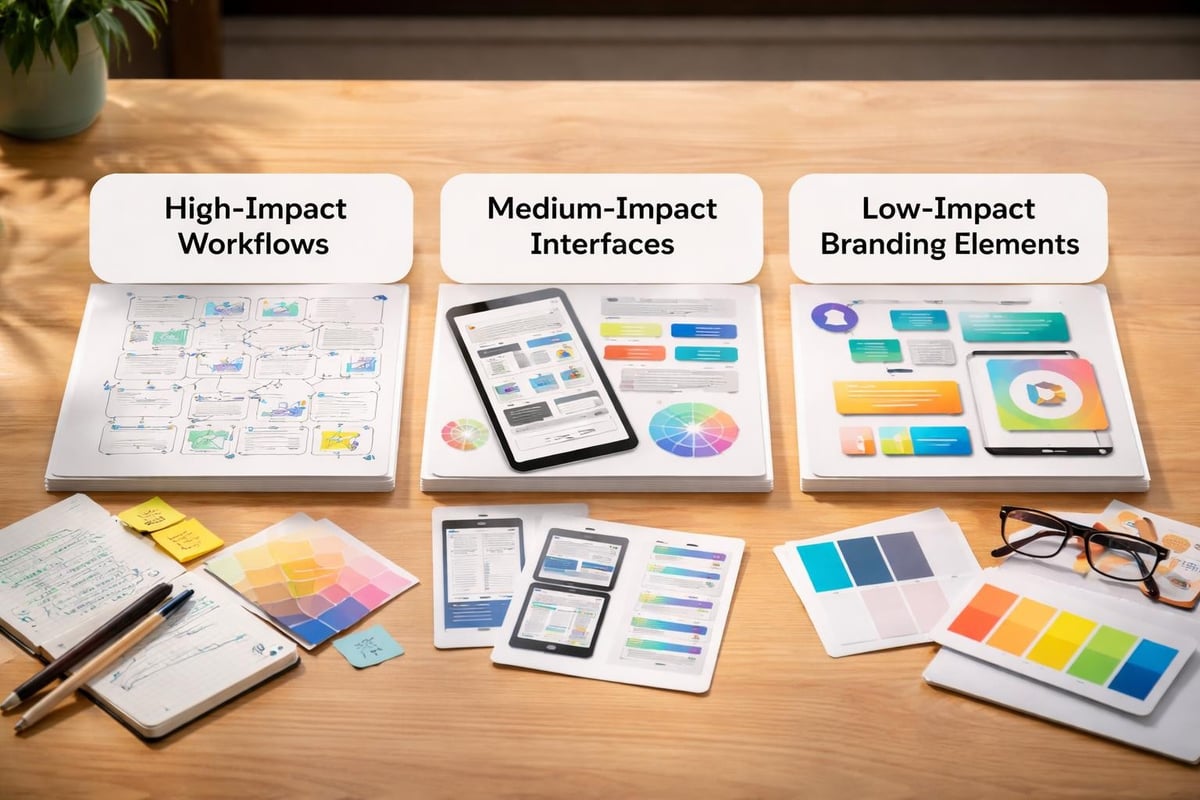
Not all customisation delivers equal value. Surface-level changes such as colour schemes and typography create brand consistency but rarely influence user retention. Deep customisation affecting workflows, data structures, or user interactions demands significantly more development time yet can fundamentally transform user experience.
Consider these customisation categories by impact:
Understanding this hierarchy helps founders allocate their limited MVP budget effectively. MVP Development projects benefit enormously from this prioritisation, ensuring customisation efforts translate directly into competitive advantages rather than unnecessary complexity.
Every customisation introduces technical debt and potential performance implications. When you app customize beyond platform standards, you create code that requires ongoing maintenance, updates when platforms evolve, and additional testing with each release. Microsoft's customization best practices emphasise minimising custom fields and avoiding changes to out-of-box resources specifically to maintain performance and supportability.
| Customisation Type | Development Time | Maintenance Burden | Performance Impact |
|---|---|---|---|
| Standard UI theming | Low | Minimal | None |
| Custom component creation | Medium | Moderate | Low to moderate |
| Core functionality modification | High | Significant | Moderate to high |
| Database structure changes | Very high | Very significant | Potentially severe |
Modern no-code platforms enable founders to transform ideas into functional products whilst managing this complexity more effectively than traditional development. However, even with no-code tools, customisation choices accumulate technical implications over time.
The most effective way to app customize revolves around genuine user needs rather than founder preferences. Many entrepreneurs fall into the trap of over-customising based on personal vision rather than validated user requirements. Research consistently shows that users value familiarity and intuitive interfaces over novelty.
Adalo's interface customization guidelines emphasise responsive design, navigation patterns, and user experience considerations that enhance engagement without sacrificing usability. The goal involves creating interfaces that feel both distinctive and instantly understandable.
Consider how major platforms maintain consistency whilst allowing customisation. Instagram, Airbnb, and Slack all feature recognisable interface patterns that users understand immediately, with customisation focused on content presentation rather than fundamental interaction models.
Successful customisation strategies include:
This approach to app customize ensures that innovation enhances rather than hinders user adoption. When developing community applications, maintaining these principles becomes even more critical as community features rely heavily on intuitive social interactions.
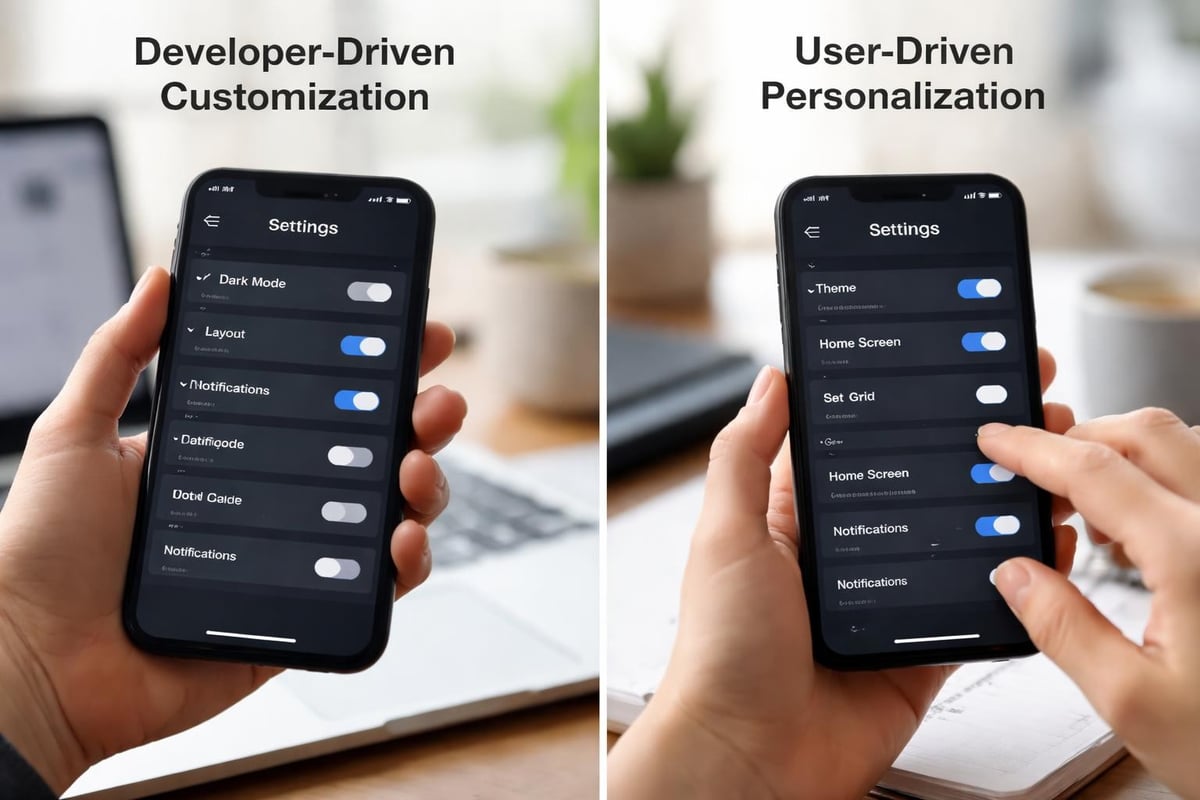
An important distinction exists between allowing users to personalise their experience and building a heavily customised application. User-controlled personalisation often delivers better engagement than developer-imposed customisation. UXPin's research on app personalisation demonstrates how tailored experiences drive user satisfaction when users control the customisation.
Effective personalisation features include:
These options empower users without requiring extensive custom development. They also provide valuable data about user preferences that can inform future product decisions.
When implementing decisions to app customize, technical architecture determines both immediate functionality and long-term viability. Founders must understand how customisation choices affect scalability, integration capabilities, and future development flexibility.
Well-architected applications separate customisation into distinct layers that can evolve independently. This separation prevents custom features from becoming tightly coupled with core functionality, reducing maintenance complexity and enabling easier updates.
Optimal customisation architecture includes:
Understanding how to implement third-party API integrations becomes essential when customisation requires connecting to external services. Properly structured integrations allow customisation without compromising core application stability.
| Architecture Layer | Customisation Risk | Update Complexity | Scalability Impact |
|---|---|---|---|
| Presentation | Low | Low | Minimal |
| Business logic | Medium | Medium | Moderate |
| Data structure | High | High | Significant |
| Integration | Medium | Medium | Moderate |
Mobile applications demand different customisation considerations than web platforms. Android's Wear OS best practices highlight the importance of optimising for specific form factors and usage contexts. Similar principles apply across all mobile platforms.
Mobile customisation priorities differ significantly:
When exploring software for mobile development, these constraints shape realistic customisation boundaries. Over-customising mobile interfaces frequently results in applications that feel unnatural on their target platforms.
Creating a comprehensive design system before implementing customisation prevents inconsistencies that plague many MVP launches. Design systems establish reusable components, patterns, and guidelines that maintain coherence whilst allowing flexibility.
Rather than creating unique designs for every screen, successful teams app customize by building a library of custom components that combine in various configurations. This modular approach dramatically reduces development time whilst maintaining visual consistency.
Mendix's native mobile UI best practices advocate planning for reuse and avoiding excessive custom styling. The same principles apply across all development platforms. When components share common foundations, updates propagate efficiently throughout the application.
A robust component library includes:
These components become the building blocks for rapid feature development. Teams can assemble new screens quickly whilst maintaining the customised feel that differentiates their product.
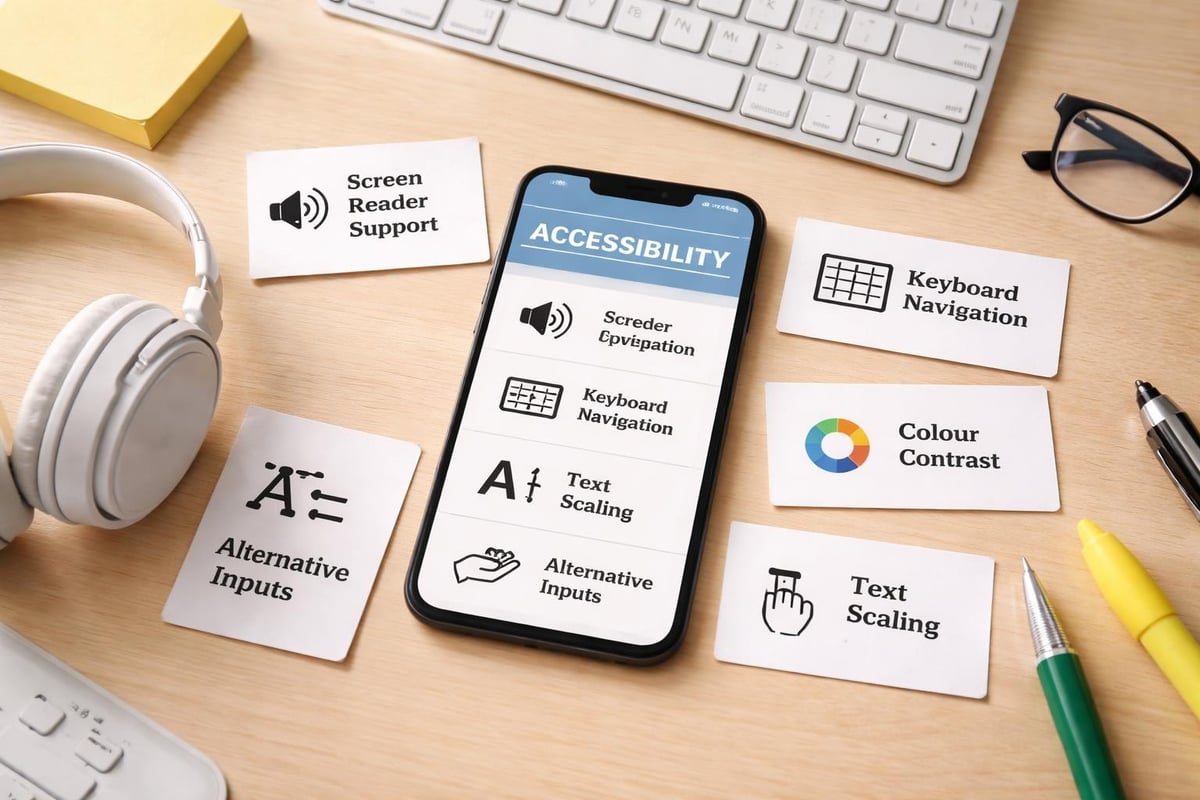
Customisation must never compromise accessibility. Design Nominees' UI/UX best practices emphasise that user-centric design inherently includes accessible design. Custom interfaces often introduce accessibility challenges that standard components handle automatically.
When you app customize, verify that custom elements support:
Testing custom interfaces with actual assistive technologies reveals issues that theoretical compliance checks miss. Many startups discover accessibility problems only after launch, requiring expensive retrofitting of custom components.
After implementing customisation, founders must measure whether these decisions actually improve user outcomes. Vanity metrics like "unique design" mean nothing if users struggle to complete core tasks or abandon the application due to unfamiliar patterns.
Different customisation types require different success metrics. Visual customisation affects brand perception and emotional response, whilst workflow customisation impacts task completion rates and efficiency.
Visual customisation metrics:
Functional customisation metrics:
Analytics platforms can track these metrics, but qualitative user feedback often reveals customisation problems that quantitative data misses. Regular user testing sessions with target customers provide insights into whether customisation enhances or hinders their experience.
Initial customisation attempts rarely achieve optimal results. Coulee Creative's 2024 app design practices stress the importance of continuous iteration based on user feedback and usage data. Successful teams treat customisation as an ongoing refinement process rather than a one-time decision.
Establish regular review cycles to evaluate customisation effectiveness:
This structured approach to app customize ensures resources focus on customisation that genuinely delivers value. Features that seemed essential during initial development often prove less important than anticipated, whilst unexpected customisation opportunities emerge from user behaviour patterns.
Different development platforms establish varying boundaries around acceptable customisation. Understanding these constraints before committing to a platform prevents discovering limitations mid-development that force costly pivots.
No-code platforms like Bubble.io offer substantial customisation flexibility whilst maintaining the speed advantages that make them attractive for MVP development. However, they establish different customisation paradigms than traditional coding environments.
When evaluating no-code web development platforms, assess customisation capabilities across these dimensions:
| Customisation Area | Typical No-Code Capability | Limitations |
|---|---|---|
| Visual design | Extensive CSS and styling control | Some advanced animations require plugins |
| Workflows | Complex logic and conditional flows | Performance constraints on extremely complex chains |
| Data structures | Flexible database design | Relational complexity limits vary by platform |
| API integrations | Comprehensive API connector tools | Some authentication methods need custom code |
| Custom code | Plugin systems for JavaScript/HTML | Debugging and version control more challenging |
These platforms enable founders to app customize effectively for most MVP scenarios. The key involves understanding where platform boundaries exist and designing within those constraints rather than against them.
As applications scale beyond MVP stage, customisation governance becomes critical. HCL Connections' customization guidelines demonstrate enterprise approaches to managing customisation through formal registries and change management processes.
Even startups benefit from establishing basic governance early:
This discipline prevents the customisation chaos that plagues many growing startups as multiple team members implement conflicting changes without coordination.
Examining successful customisation implementations provides concrete patterns that founders can adapt to their contexts. Different industries require different customisation approaches based on their unique user needs and competitive landscapes.
Financial applications require customisation focused on data security, compliance visualisation, and complex approval workflows. Healthcare platforms need customisation emphasising privacy controls, appointment scheduling, and care coordination. E-commerce solutions customise product discovery, checkout flows, and post-purchase engagement.
The SaaS app development process involves identifying which industry-specific customisations deliver competitive advantages versus which standard patterns serve users adequately. This distinction determines where limited development resources create maximum impact.
Successful founders study how established players in their space app customize, identifying both effective patterns worth emulating and customisation mistakes to avoid. This competitive analysis informs smarter customisation decisions that build upon proven approaches rather than reinventing fundamental interactions.
Strategic customisation transforms generic applications into distinctive products that resonate with target users whilst maintaining the development speed essential for startup success. The most effective approach balances brand differentiation with usability standards, prioritises high-impact customisation over cosmetic changes, and establishes governance preventing customisation chaos as teams grow. If you're ready to build an MVP that strategically leverages customisation to create competitive advantage without sacrificing speed to market, Creator Concepts combines award-winning Bubble.io expertise with deep understanding of startup constraints to deliver products that validate your vision efficiently.
© 2026 CreatorConcepts Limited
128 City Road, London EC1V 2NX