

The demand for accessible app development solutions has transformed how entrepreneurs bring their ideas to market. With the proliferation of no-code and low-code platforms, founders no longer need extensive technical expertise to build sophisticated applications. Whether you're launching a marketplace, developing a SaaS product, or creating an internal business tool, selecting the best app building software requires careful evaluation of your specific requirements, budget constraints, and long-term scalability needs.
The landscape of app development has evolved dramatically over the past five years. Traditional coding methods now compete with visual development platforms that democratize software creation. These modern solutions range from simple drag-and-drop builders to comprehensive development environments that support complex logic and integrations.
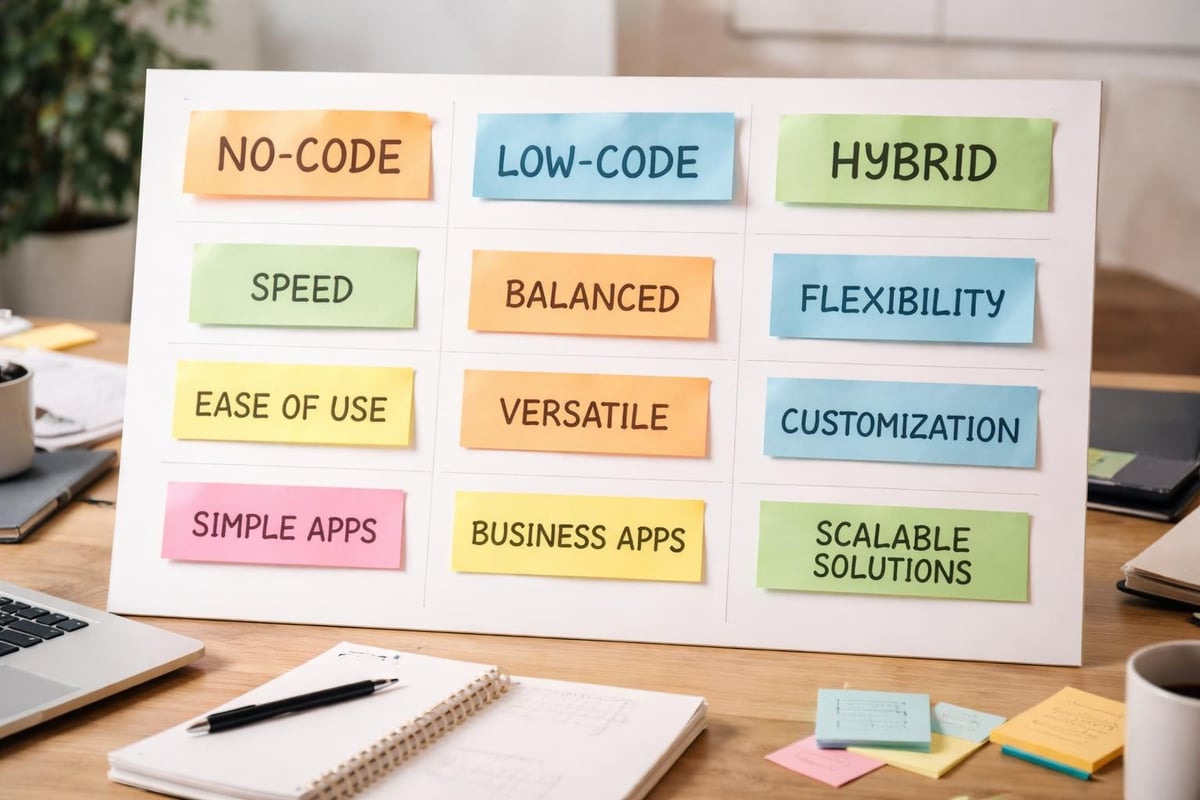
No-code platforms enable complete application development without writing a single line of code. These tools use visual interfaces where users design workflows, databases, and user interfaces through intuitive controls.
Low-code platforms bridge the gap between visual development and traditional programming. They provide pre-built components whilst allowing developers to inject custom code when necessary for specialized functionality.
Hybrid approaches combine the best of both worlds, offering visual development for rapid prototyping alongside code access for advanced customization. This flexibility makes them particularly attractive for growing startups that need to scale quickly.
When evaluating the best app building software, certain capabilities separate exceptional tools from mediocre ones. Database management stands as a fundamental requirement, as most applications need to store, retrieve, and manipulate data efficiently. The platform's database architecture directly impacts your application's performance and scalability.
Integration capabilities determine how well your application connects with external services. Modern businesses rely on numerous tools, from payment processors to marketing automation platforms. Your chosen software should facilitate seamless connections through APIs, webhooks, or native integrations.
User interface design flexibility affects both the development experience and the final product quality. The best platforms offer extensive customization options whilst maintaining ease of use. Responsive design capabilities ensure your application performs well across devices, a non-negotiable requirement in 2026.
The market offers dozens of viable solutions, each with distinct strengths and limitations. Understanding these differences helps founders make informed decisions aligned with their project requirements and technical capabilities.
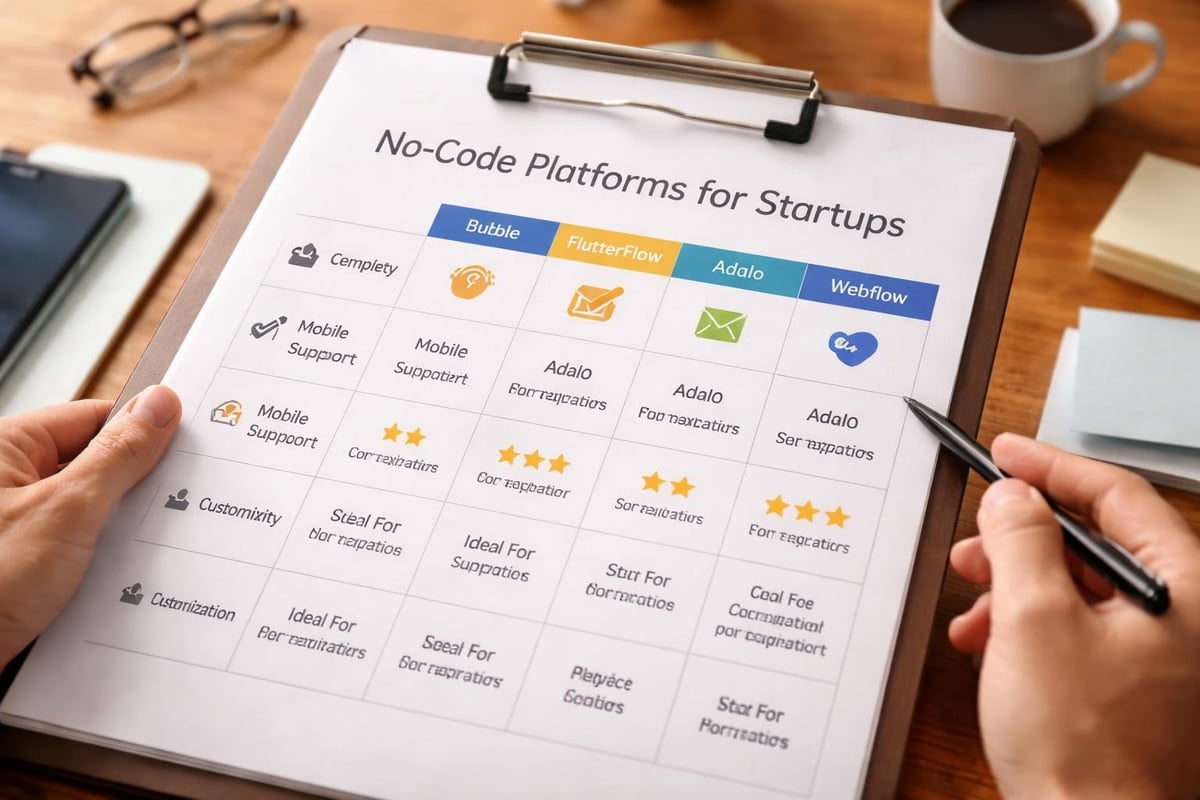
Bubble.io has established itself as a leading platform for building complex web applications without code. Its visual programming interface enables developers to create sophisticated logic flows, manage relational databases, and design responsive interfaces. The platform particularly excels at building multi-sided marketplaces, SaaS products, and internal business tools.
The learning curve is steeper than simpler builders, but this complexity unlocks genuine application development capabilities. Founders can build production-ready applications that handle thousands of users, process payments, and integrate with virtually any external service. For entrepreneurs seeking to validate ideas using scalable MVPs, Bubble.io provides the technical foundation for sustainable growth.
Performance optimization requires understanding the platform's architecture, particularly around database queries and workflow design. However, properly built Bubble applications rival traditionally coded solutions in functionality and user experience.
FlutterFlow focuses specifically on mobile application development, leveraging Google's Flutter framework to create truly native iOS and Android applications. This approach delivers superior performance compared to web-based mobile apps, with smooth animations and offline functionality.
The platform's visual builder generates clean Flutter code, which developers can export and customize if needed. This hybrid approach appeals to teams that might eventually transition to full code-based development whilst needing rapid initial development.
| Feature | Capability | Best For |
|---|---|---|
| Native performance | Full Flutter framework | Consumer-facing mobile apps |
| Code export | Complete codebase access | Teams with developers |
| Firebase integration | Direct database connection | Real-time applications |
| Custom widgets | Extensive component library | Complex UI requirements |
Adalo prioritizes simplicity and speed, making it ideal for founders who need to test concepts quickly. The platform generates progressive web apps and native mobile applications from a single build, streamlining the development process.
The component marketplace offers pre-built functionality for common features like authentication, payments, and social interactions. This accelerates development but can limit customization compared to more flexible platforms. Adalo works best for straightforward applications with standard feature sets rather than highly specialized solutions.
Webflow occupies a unique position as a design-first platform that generates production-ready code. Whilst not traditionally considered amongst no-code app makers, its CMS capabilities and interactions engine enable sophisticated web applications.
Designers particularly appreciate Webflow's pixel-perfect control and animation capabilities. The platform excels at content-heavy applications, marketing sites with application functionality, and visually distinctive web experiences. Integration with tools like Memberstack or Zapier extends its functionality into membership platforms and workflow automation.
Choosing the best app building software demands more than feature comparison. Founders must evaluate platforms against their specific context, considering factors that influence both immediate development and long-term sustainability.
Early-stage applications often serve dozens or hundreds of users, but successful products must handle exponential growth. Platform architecture determines whether your application can scale seamlessly or requires a complete rebuild at critical growth stages.
Database query optimization, server infrastructure, and caching mechanisms separate platforms built for serious applications from simple prototyping tools. According to TechRadar's analysis of mobile app development software, performance considerations should weigh heavily in platform selection, particularly for consumer-facing applications.
Server capacity determines concurrent user support. Cloud-based platforms typically offer auto-scaling, but pricing structures vary dramatically. Some platforms charge based on usage whilst others employ tiered pricing regardless of actual consumption.
API response times affect user experience, particularly for data-heavy applications. Platforms with efficient backend architectures maintain responsiveness even as databases grow.
Mobile optimization becomes crucial for applications accessed primarily through smartphones. Native app builders generally outperform web-based solutions in mobile performance, though well-optimized progressive web apps can deliver acceptable experiences.
Every platform balances ease of use against customization potential. Simpler platforms accelerate initial development but may impose limitations that become apparent as your product evolves. More complex platforms require greater upfront investment in learning but provide flexibility for sophisticated features.
Founders should honestly assess their technical capabilities and available resources. A platform that perfectly matches your current skill level enables faster progress than a more powerful tool requiring extensive training. However, choosing overly simplified solutions may necessitate expensive platform migrations later.
Consider your team composition when evaluating options. Platforms like Bubble.io reward investment in learning with near-unlimited customization, whilst tools like Adalo prioritize immediate productivity over depth. Zapier's evaluation of no-code app builders highlights how different platforms serve different founder profiles and project requirements.
Platform pricing extends beyond monthly subscription fees. Understanding total cost of ownership helps founders budget accurately and avoid unexpected expenses during critical growth phases.
Most platforms employ tiered pricing that unlocks features progressively. Entry-level plans often restrict custom domains, remove branding, or limit user capacity. Mid-tier plans typically provide production-ready capabilities, whilst enterprise tiers offer dedicated support and enhanced infrastructure.
Carefully review what each tier includes before committing. Some platforms restrict crucial features like API access or custom plugins to expensive tiers, potentially forcing costly upgrades earlier than anticipated. Others provide generous feature access even at lower price points, charging primarily for increased capacity.
Infrastructure costs can escalate rapidly as applications grow. Platforms charging per user, per database record, or per API call create variable costs that spike during success. This pricing model can become prohibitively expensive for applications with thin margins or freemium business models.
Development time represents another often-overlooked cost. A platform requiring 100 hours to build a feature versus 20 hours on a more efficient alternative creates significant cost differences, even if subscription fees are similar. According to Softr.io's analysis, total development time varies by 300-500% between platforms for comparable projects.
Modern applications rarely exist in isolation. Your chosen platform must connect seamlessly with the tools and services that power your business operations and enhance your product's functionality.
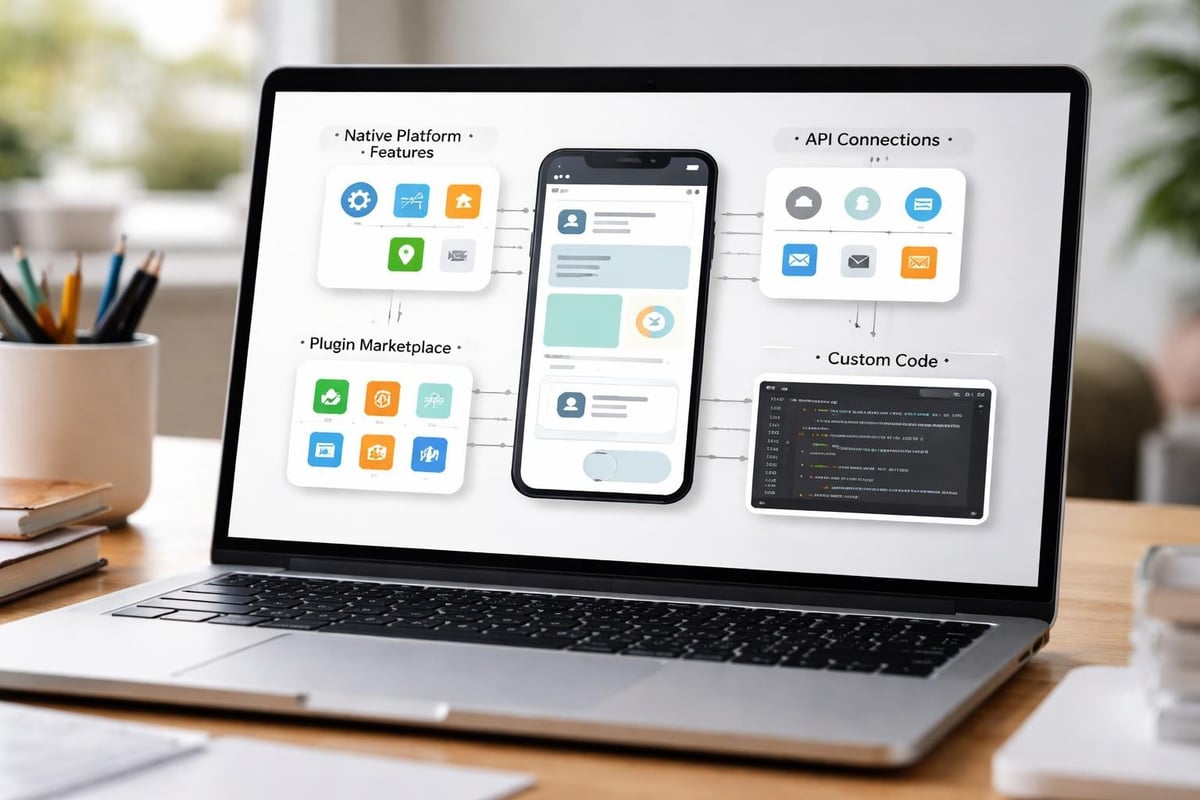
The best app building software provides both pre-built integrations for common services and robust API connectivity for custom requirements. Native integrations simplify setup for popular tools like Stripe, SendGrid, or Google Analytics, eliminating configuration complexity.
API capabilities become essential when your requirements extend beyond standard integrations. Platforms offering comprehensive API support enable connections with virtually any external service through RESTful APIs, GraphQL endpoints, or webhook configurations. This flexibility future-proofs your application against evolving integration needs.
| Integration Type | Complexity | Setup Time | Flexibility |
|---|---|---|---|
| Native plugins | Low | Minutes | Limited to available options |
| API connector | Medium | Hours | Connects to any service |
| Custom code | High | Days | Unlimited possibilities |
| Third-party automation | Low | Minutes | Dependent on service availability |
Vibrant plugin ecosystems accelerate development by providing pre-built functionality for common requirements. Payment processing, authentication systems, mapping features, and communication tools often exist as installable plugins, saving weeks of development time.
Community quality varies significantly between platforms. Established platforms with large user bases typically offer extensive plugin libraries and active forums where developers share solutions. Newer or niche platforms may lack this ecosystem, forcing you to build functionality from scratch that's readily available elsewhere.
The distinction between mobile and web applications has blurred considerably, yet important differences remain when selecting development platforms. Your target audience's preferred access method should heavily influence platform selection.
Progressive web apps (PWAs) function as web applications that behave like native apps, offering offline functionality, home screen installation, and push notifications. They work across all devices from a single codebase, dramatically simplifying development and maintenance. However, PWAs face limitations in accessing certain device features like Bluetooth, NFC, or advanced camera functions.
Native applications, built specifically for iOS and Android, provide superior performance and complete device feature access. Platforms like FlutterFlow generate truly native applications whilst maintaining visual development approaches. The GoodBarber guide to mobile app builders details these architectural differences and their practical implications for founders.
Distribution represents another key consideration. Native apps require App Store and Google Play approval, adding time and complexity to deployment. PWAs deploy instantly through standard web hosting, eliminating approval processes entirely.
Building separate applications for web, iOS, and Android traditionally required maintaining three distinct codebases. Modern platforms dramatically reduce this overhead through various approaches to cross-platform development.
Single codebase deployment enables some platforms to generate web, iOS, and Android applications from one build. This approach maximizes efficiency but may compromise platform-specific optimizations.
Responsive web design creates applications that adapt to any screen size, functioning acceptably across devices without separate native builds. Tools excelling at responsive design enable this approach whilst maintaining quality user experiences.
Platform-specific optimization allows developers to customize experiences for different devices whilst sharing underlying logic and data structures. This middle ground provides better user experiences at the cost of increased development complexity.
Applications handling user data must address security and regulatory compliance from inception. Platform selection directly impacts your ability to meet these requirements without extensive custom development.
Understanding where and how platforms store data becomes crucial for compliance with regulations like GDPR, CCPA, and industry-specific requirements. Cloud-based platforms typically handle infrastructure security, but you remain responsible for application-level security decisions.
Data residency requirements may restrict platform options for businesses serving specific markets. European companies often need EU-based data storage, whilst healthcare applications require HIPAA-compliant infrastructure. Verify that potential platforms meet your regulatory requirements before investing in development.
User privacy controls should enable granular permissions management, allowing you to implement appropriate access restrictions for different user roles. Platforms with robust security features provide encryption at rest and in transit, secure authentication systems, and audit logging capabilities.
Production applications require reliable backup systems and disaster recovery procedures. Platform-managed backups simplify operations but may impose restoration limitations or retention periods that don't align with your requirements.
Consider recovery time objectives (RTO) and recovery point objectives (RPO) for your application. Mission-critical applications need platforms offering rapid restoration and minimal data loss potential. Less critical applications may accept longer recovery times in exchange for cost savings.
Platform adoption success often depends more on available learning resources than inherent platform quality. Comprehensive documentation, active communities, and professional support networks dramatically accelerate development and problem-solving.
Technical documentation separates professional platforms from amateur tools. High-quality documentation includes detailed API references, step-by-step tutorials, video guides, and real-world example applications. Search functionality and logical organization enable quick answers to specific questions.
Platforms investing heavily in educational content demonstrate commitment to user success. Look for regularly updated documentation reflecting current platform versions, as outdated guides create confusion and waste development time. Creative Bloq's coverage of Unity Studio demonstrates how comprehensive educational resources expand platform accessibility.
Active user communities provide invaluable support through shared experiences and solutions. Platforms with thousands of active developers typically offer faster problem resolution than those with small user bases. Community forums, Slack channels, and regular meetups facilitate knowledge sharing and networking.
Professional service networks add another support dimension. Established platforms attract agencies and freelancers who specialize in that technology, providing options when projects exceed internal capabilities. For complex requirements, partnering with specialists in MVP development can accelerate delivery whilst building internal knowledge.
Despite careful selection, business evolution sometimes necessitates platform changes. Understanding migration pathways and potential lock-in prevents costly surprises when growth or changing requirements demand new solutions.
Platforms offering comprehensive data export in standard formats like JSON, CSV, or SQL provide essential flexibility. Complete data ownership enables migrations to alternative platforms or traditional development approaches without starting from scratch.
Some platforms restrict data export to encourage customer retention, creating significant switching costs. Evaluate export capabilities before committing, particularly for applications handling substantial customer data or complex relational databases. Platforms providing database access through standard protocols like PostgreSQL offer maximum flexibility.
Platforms generating exportable code provide ultimate flexibility, enabling transitions to traditional development when necessary. FlutterFlow's Flutter code export and similar features from other platforms preserve your development investment even if you outgrow the visual builder.
Proprietary platforms without code export create complete dependency on that vendor's continued existence and pricing decisions. This risk becomes particularly concerning for long-term business-critical applications. Balance the productivity benefits of closed platforms against the strategic risk of vendor lock-in.
Selecting the best app building software requires balancing immediate development needs against long-term scalability, weighing cost considerations against feature requirements, and honestly assessing your team's technical capabilities. The right platform choice accelerates time to market whilst providing the foundation for sustainable growth. Whether you're building your first prototype or scaling an established product, Creator Concepts brings award-winning expertise in no-code MVP development to help entrepreneurs and startups transform ideas into market-ready applications efficiently and effectively.
© 2025 CreatorConcepts Limited
128 City Road, London EC1V 2NX