

The sales landscape has fundamentally shifted. Today's entrepreneurs and startups demand access to customer data wherever business happens, whether that's in a coffee shop meeting, at a networking event, or traveling between appointments. Mobile CRM apps have evolved from simple contact directories into sophisticated business intelligence platforms that empower teams to close deals, nurture relationships, and drive growth from anywhere. For founders building MVPs and validating business ideas, understanding how these applications work and which features truly matter can mean the difference between a scalable sales process and operational chaos.
Traditional desktop-bound CRM systems create artificial barriers to productivity. Sales representatives lose valuable time logging into systems after meetings, recreating conversations from memory, and manually updating pipeline stages hours after customer interactions.
Mobile CRM apps eliminate these friction points by putting customer intelligence directly into the hands of your team at the moment it matters most. When a prospect asks about pricing during an impromptu conversation, your sales representative can instantly access historical data, view previous communications, and provide accurate information without excusing themselves to check a laptop.
The implications extend beyond convenience. Real-time data entry ensures accuracy, reduces administrative overhead, and creates a single source of truth that powers informed decision-making across your organization.
Consider the typical sales scenario: a representative meets a potential client, discusses their needs, exchanges contact details, and promises to follow up. Without mobile access to your CRM, that information sits in a notebook or phone until someone returns to their desk.
During that delay, opportunities slip away. Competitors move faster. The nuanced details of the conversation fade from memory.
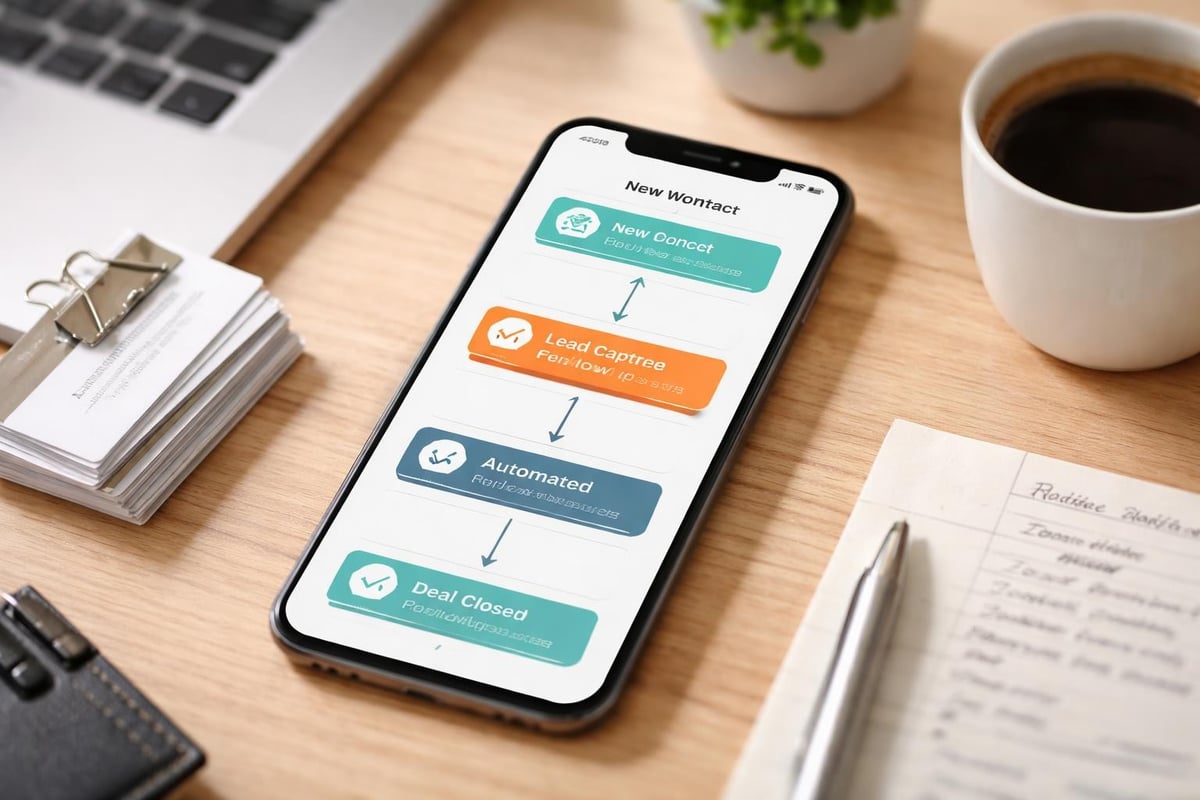
Mobile CRM apps transform this workflow entirely:
This immediacy doesn't just improve data quality. It accelerates your entire sales cycle by eliminating the lag between customer interaction and organizational response.
Not all mobile CRM apps deliver equal value. Some merely replicate desktop interfaces on smaller screens, creating frustrating user experiences that teams actively avoid. The best solutions reimagine CRM specifically for mobile contexts, prioritizing the actions sales representatives actually need whilst on the move.
| Feature Category | Why It Matters | Implementation Example |
|---|---|---|
| Offline Access | Connectivity isn't guaranteed in all locations | Local data caching with automatic sync |
| Voice Input | Typing on mobile is slow and error-prone | Speech-to-text for notes and searches |
| Quick Actions | Complex navigation kills mobile adoption | Swipe gestures and shortcut menus |
| Smart Notifications | Representatives need timely alerts without overwhelm | Context-aware reminders and priority filtering |
| Contact Intelligence | Surface relevant information automatically | Previous interactions, deal history, preferences |
The Pipedrive CRM review highlights how user-friendly interfaces significantly impact mobile adoption rates, particularly for small to midsize teams where every efficiency gain compounds across limited resources.
Mobile CRM apps don't operate in isolation. Your sales technology stack likely includes email platforms, calendar systems, communication tools, and potentially industry-specific applications.
Seamless integration between these systems prevents data silos and reduces manual entry. When your mobile CRM app automatically logs email conversations, syncs calendar appointments, and surfaces relevant customer communications, your team spends less time on administration and more time building relationships.
For startups building MVP Development solutions, this integration philosophy proves particularly valuable. Just as your product needs to validate core assumptions quickly, your sales tools should connect your existing ecosystem without requiring extensive custom development.
Selection criteria vary dramatically based on your industry, team size, sales complexity, and existing technology infrastructure. A real estate brokerage has fundamentally different requirements than a SaaS startup or professional services firm.
iOS and Android parity matters more than many founders initially recognize. If your sales team uses mixed devices, feature gaps between platforms create inconsistent experiences and potential data quality issues.
Test both versions extensively during your evaluation:
Some vendors prioritize one platform over another, releasing features to iOS weeks or months before Android equivalents. This disparity causes frustration and reduces overall adoption.
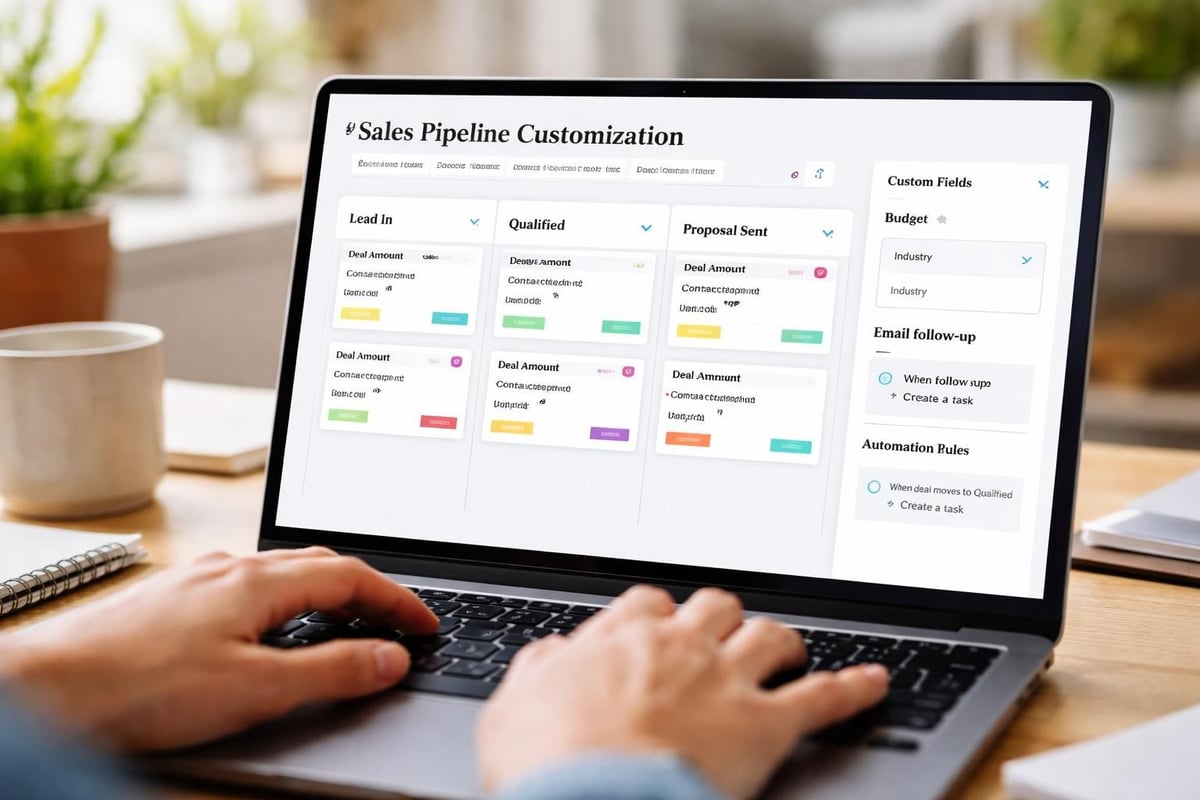
Your sales process is unique. Generic CRM workflows rarely align perfectly with how your team actually operates. The Freshsales CRM review emphasizes strong customization capabilities alongside mobile usability, recognizing that adaptability drives long-term value.
Customization requirements typically include:
Importantly, these customizations must work seamlessly across mobile and desktop environments. Configuration changes made on a laptop should immediately reflect in mobile CRM apps without requiring separate mobile-specific setup.
Purchasing mobile CRM apps represents the easy part. Achieving genuine adoption across your sales team requires deliberate implementation strategies that address both technical and human factors.
Clean data forms the foundation of effective CRM usage. Before migrating information into your new mobile CRM apps, invest time in data hygiene:
Many startups underestimate the complexity of data migration, particularly when consolidating information from multiple sources like spreadsheets, email contacts, and legacy systems. Just as app development for non-technical founders requires careful planning, CRM implementation demands structured approaches that prevent downstream problems.
Technology alone never drives adoption. Your team needs to understand not just how mobile CRM apps work, but why using them benefits their personal success.
Frame training around outcomes, not features:
Role-specific training sessions prove more effective than generic company-wide presentations. Sales representatives need different capabilities than managers, who require different functionality than customer service teams.
Modern mobile CRM apps increasingly incorporate artificial intelligence, automation, and predictive analytics that transform them from passive databases into active business tools.
Machine learning algorithms analyze historical patterns to surface actionable intelligence:
| AI Capability | Business Impact | Example Use Case |
|---|---|---|
| Lead Scoring | Prioritize high-value opportunities | Automatic ranking based on engagement, company size, industry |
| Next Best Action | Guide representatives through optimal workflows | Suggest follow-up timing, content, and communication channel |
| Sentiment Analysis | Understand customer mood from communications | Flag at-risk deals based on email tone and response patterns |
| Forecasting | Predict revenue with greater accuracy | Weighted pipeline analysis considering historical close rates |
The Zendesk Sell CRM review demonstrates how robust mobile apps combined with intelligent features create comprehensive solutions for mobile sales teams seeking competitive advantages.
Mobile CRM apps excel when they reduce manual tasks without sacrificing control. Intelligent automation handles routine activities whilst keeping humans involved in strategic decisions.
Common automation opportunities include:
These automations work identically whether initiated from mobile devices or desktop systems, ensuring consistency regardless of how team members access the platform.

Mobile devices present unique security challenges. Lost phones, public WiFi networks, and varying levels of user security awareness create potential vulnerabilities that desktop-only systems avoid.
Implement multi-layered security approaches:
Compliance requirements vary by industry and geography. GDPR in Europe, CCPA in California, and industry-specific regulations like HIPAA for healthcare create legal obligations around data handling, storage, and customer rights.
Your mobile CRM apps must support these requirements through features like audit trails, data export capabilities, and deletion workflows that actually remove information rather than simply marking it hidden.
Mobile CRM apps function most powerfully when connected to your complete technology ecosystem. Isolated systems create information silos that require manual reconciliation and reduce overall efficiency.
Bidirectional synchronization between mobile CRM apps and marketing tools creates closed-loop attribution and improved campaign effectiveness:
This integration proves particularly valuable for startups where teams wear multiple hats and the distinction between marketing and sales blurs.
Modern sales happens across multiple channels. Your mobile CRM apps should integrate with the communication platforms your team actually uses:
The Salesmate CRM review highlights comprehensive features including 360-degree contact management that becomes exponentially more valuable when integrated with communication tools.
Certain industries have unique requirements that generic mobile CRM apps struggle to address effectively. Specialized solutions cater to these vertical-specific needs with tailored features and workflows.
Property sales involve complex, long-cycle deals with extensive document management, showing coordination, and regulatory compliance requirements.
The BoomTown CRM review examines all-in-one real estate CRM capabilities including robust lead generation and intuitive mobile apps tailored specifically for agents and brokerages managing property leads and automating marketing.
Real estate-specific features include:
Project-based businesses require different CRM capabilities emphasizing time tracking, proposal management, and resource allocation alongside traditional contact management.
Mobile access becomes critical when consultants spend significant time at client sites or traveling between engagements. The ability to log billable hours, update project statuses, and access previous deliverables from mobile devices directly impacts revenue recognition and client satisfaction.
Mobile CRM apps employ various pricing strategies that impact total cost of ownership beyond headline subscription fees.
| Pricing Model | Advantages | Disadvantages | Best For |
|---|---|---|---|
| Per-User | Scales with team size, predictable growth costs | Expensive for large teams | Small, growing startups |
| Flat-Rate | Budget certainty, unlimited users | May overpay with small teams | Established businesses |
| Tiered | Feature flexibility, upgrade path | Complexity, feature limitations at lower tiers | Varied team needs |
| Usage-Based | Pay only for actual consumption | Unpredictable costs, difficult budgeting | Seasonal businesses |
Hidden costs warrant careful evaluation:
The Less Annoying CRM review discusses straightforward CRM solutions ideal for small businesses, though it notably lacks a native mobile app, highlighting the trade-offs between simplicity and mobile capabilities.
Mobile CRM apps continue evolving rapidly as new technologies emerge and customer expectations shift. Understanding directional trends helps founders make platform selections that remain relevant long-term.
Voice represents the next frontier in mobile CRM interaction. Speaking naturally to request information, log activities, or create tasks proves faster and more intuitive than navigating touch interfaces whilst walking, driving, or multitasking.
Advanced natural language processing enables increasingly sophisticated voice commands:
These capabilities mirror broader consumer technology trends where voice assistants handle everything from setting reminders to controlling smart home devices.
Whilst still nascent, augmented reality integration offers intriguing possibilities for mobile CRM apps in specific contexts:
These applications remain experimental but suggest how mobile CRM apps might evolve beyond traditional database interfaces toward context-aware intelligence layers.
Implementing mobile CRM apps represents a significant investment of financial resources, implementation time, and organizational change effort. Maximizing returns requires measuring outcomes and continuously optimizing usage.
Effective CRM measurement balances activity metrics with outcome indicators:
These metrics should show improvement trajectories over time as teams become proficient with mobile CRM apps and workflows mature. Stagnant or declining metrics indicate adoption issues, training gaps, or fundamental process misalignment.
Regular optimization sessions ensure mobile CRM apps evolve with your business:
Similar to how conditional logic in Bubble.io streamline workflows, CRM optimization identifies opportunities to automate decisions, reduce manual steps, and improve user experiences.
Mobile CRM apps rarely exist in isolation. The broader platform ecosystem including developer communities, third-party extensions, and vendor roadmaps significantly impacts long-term value.
Robust app marketplaces extend core CRM functionality without custom development:
The Zoho CRM Wikipedia page provides historical context showing how established platforms develop extensive ecosystems over time, creating network effects that increase platform value.
Assess vendor health through multiple lenses:
Startups face particular risks when selecting platforms from unproven vendors. Whilst innovative features attract attention, established players offer greater certainty around long-term availability and continued development investment.
Mobile CRM apps have transformed from convenience features into essential infrastructure for modern sales organizations. The right platform, properly implemented and continuously optimized, accelerates deal cycles, improves conversion rates, and creates competitive advantages that compound over time. For entrepreneurs and startups validating business models and scaling operations, choosing mobile CRM apps that integrate seamlessly with existing workflows whilst offering room for future growth proves critical. If you're building an MVP that requires sophisticated customer management capabilities or exploring how no-code development can power your sales infrastructure, Creator Concepts brings award-winning expertise helping founders turn ambitious visions into functional reality through rapid, scaleable development.
© 2026 CreatorConcepts Limited
128 City Road, London EC1V 2NX