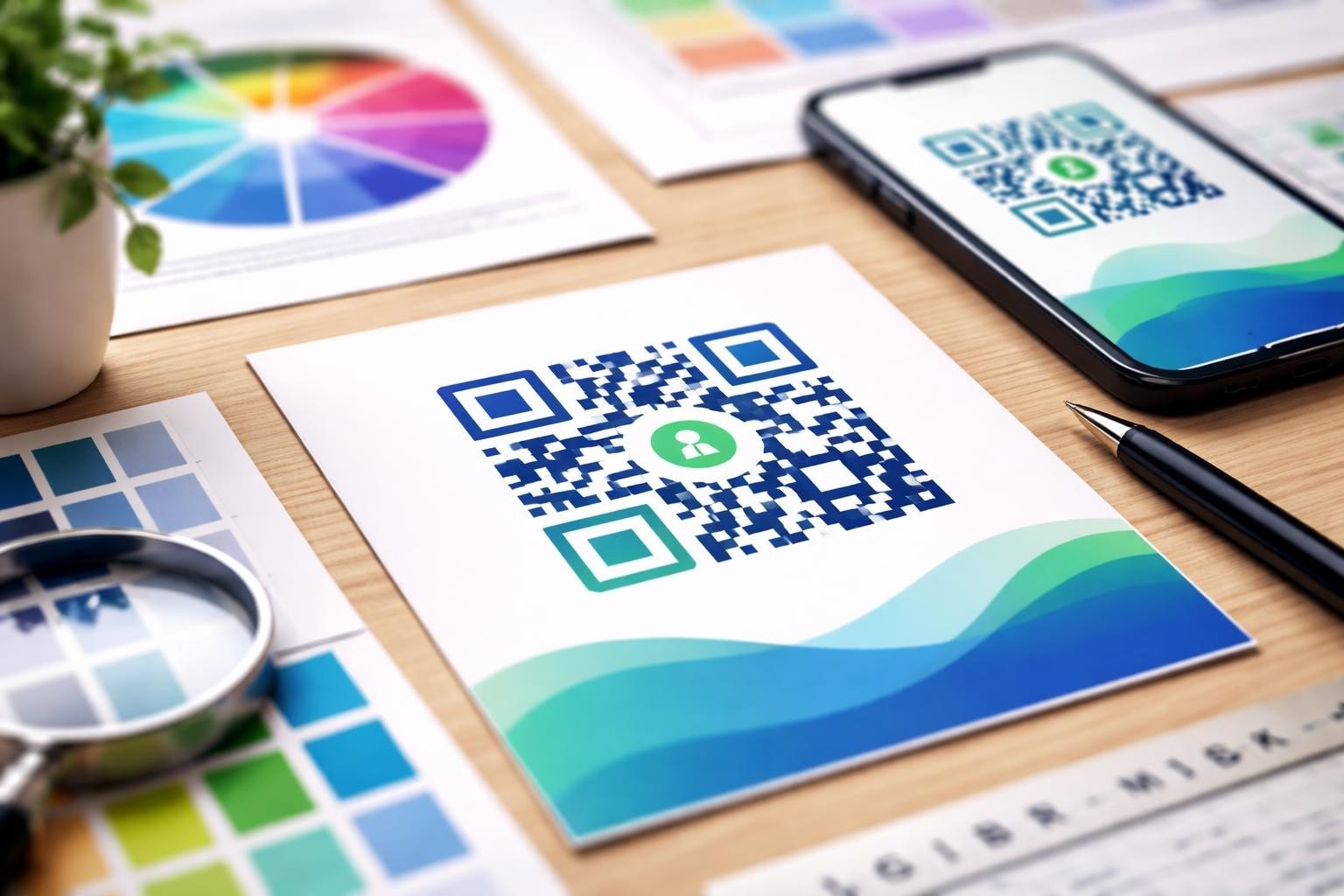

QR codes have evolved far beyond basic black-and-white squares. In 2026, businesses and startups need to understand how to design with QR code elements that maintain scanning reliability whilst reflecting brand identity. Whether you're building an MVP, creating marketing materials, or developing a mobile application, strategic QR code design can bridge physical and digital experiences. This comprehensive guide explores the technical requirements, creative possibilities, and practical considerations for incorporating QR codes into your product ecosystem.
Before diving into creative aspects of QR code design, you must understand the fundamental architecture that makes these codes scannable. Every QR code contains specific structural elements that cannot be compromised without affecting functionality.
The basic anatomy includes position markers (the three square corners), timing patterns, alignment patterns, and a quiet zone. The quiet zone represents the white border surrounding the code, typically four modules wide, which prevents interference from surrounding graphics or text. According to QR code standards outlined by the U.S. Department of Energy, maintaining proper quiet zones is essential for reliable scanning.
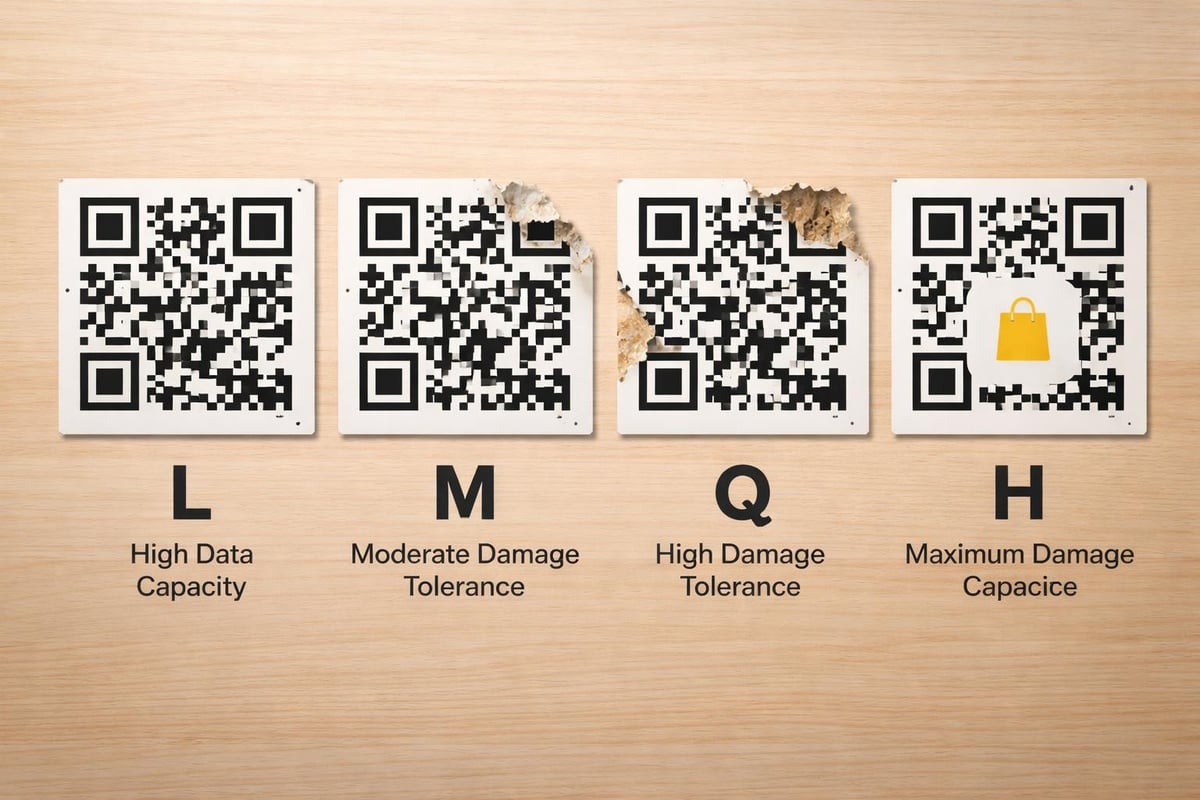
QR codes employ four error correction levels: L (7% recovery), M (15% recovery), Q (25% recovery), and H (30% recovery). Higher error correction allows for more design customization but requires larger code sizes to encode the same information.
| Error Level | Recovery Capacity | Best Use Case |
|---|---|---|
| L (Low) | 7% | Clean environments, digital displays |
| M (Medium) | 15% | Standard marketing materials |
| Q (Quartile) | 25% | Outdoor signage, printed materials |
| H (High) | 30% | Highly customized designs, logos |
When you design with QR code customization in mind, selecting the appropriate error correction level determines how much creative freedom you possess. For startups developing MVP solutions, understanding these technical parameters ensures your QR implementation works reliably from day one.
The physical dimensions of your QR code directly impact scannability. A commonly referenced formula suggests the scanning distance equals approximately ten times the QR code width. A 2cm code scans reliably from 20cm away, whilst a 10cm code works from 1 metre.
Resolution matters significantly for printed materials. Codes should maintain a minimum resolution of 300 DPI for print applications. Digital displays require consideration of screen pixel density and viewing distance. The design guidelines from GS1 UK provide detailed specifications for various use cases.
When entrepreneurs build applications that generate QR codes dynamically, implementing size validation ensures codes remain functional across different output formats. Testing codes at the smallest intended size prevents deployment issues.
Traditional black-on-white QR codes offer maximum contrast, but modern design with QR code elements often incorporates brand colours. The fundamental rule remains simple: dark foreground on light background with sufficient contrast ratio.
A contrast ratio of at least 3:1 is generally recommended, though 4:1 or higher improves reliability. Dark blue on light yellow, dark green on white, or black on light grey all work effectively. Avoid low-contrast combinations like yellow on white or light grey on white.
Reversed codes (light foreground on dark background) present additional challenges. Whilst technically scannable, they reduce reliability, particularly in varied lighting conditions. If your brand requires reversed codes, conduct extensive testing across multiple devices and lighting scenarios.
The comprehensive Wikipedia resource on QR codes details how different scanning algorithms interpret colour variations, providing valuable context for design decisions.
Modern design with QR code implementation balances aesthetic appeal with technical reliability. The error correction capacity allows for creative modifications, but each change must be carefully evaluated.
Permissible customizations include:
High-risk modifications that often fail:
Research on aesthetic QR code generation demonstrates that balancing visual quality with scanning reliability requires systematic testing and validation. When startups work with London-based SaaS development companies, integrating QR code generation with proper validation ensures consistent results.
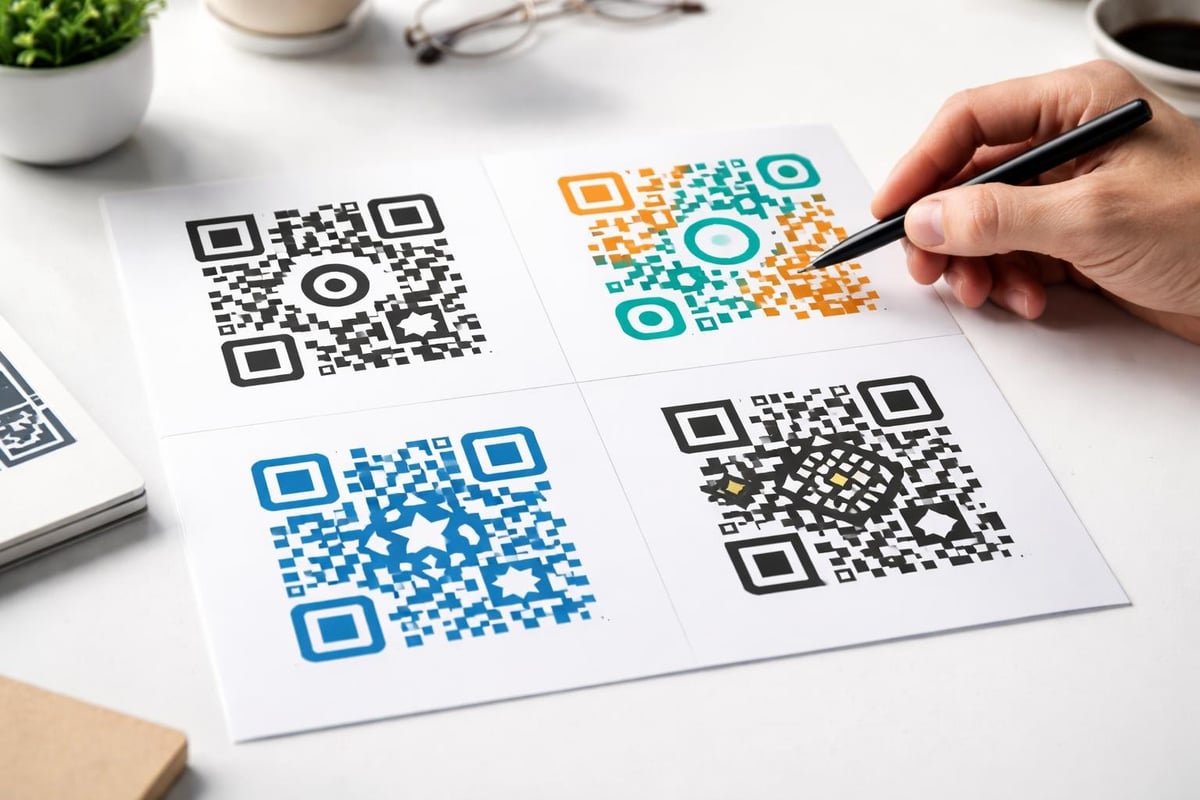
Placing your logo within a QR code creates immediate brand recognition whilst maintaining functionality. The centre of the code typically contains less critical data, making it ideal for logo placement.
Logo integration guidelines:
When you design with QR code logo integration, remember that the logo itself needs sufficient contrast against the QR code background. A white logo on the white quiet zone becomes invisible; ensure proper boundaries and contrast.
| Logo Size | Error Correction Required | Scanning Reliability |
|---|---|---|
| <15% | M (15%) | Excellent |
| 15-20% | Q (25%) | Very Good |
| 20-25% | H (30%) | Good |
| >25% | H (30%) + testing | Variable |
Static QR codes encode information permanently, whilst dynamic codes redirect through an intermediary URL. Dynamic codes offer significant advantages for startups and businesses tracking engagement metrics.
Benefits of dynamic QR codes include the ability to update destinations without reprinting codes, track scanning analytics, implement A/B testing, and manage multiple campaigns through single codes. For businesses developing no-code platforms, integrating dynamic QR generation provides users with powerful marketing tools.
The trade-off involves dependency on the intermediary service. If the redirection service fails or discontinues, your codes become non-functional. Choose reliable providers or build your own infrastructure for mission-critical implementations.
Long URLs create denser QR codes that require larger physical sizes for reliable scanning. URL shortening services reduce complexity, but introduce additional points of failure. When possible, use custom short domains that reinforce brand identity whilst maintaining control.
QR code security has become increasingly important as sophisticated attacks emerge. The concept of "quishing" (QR code phishing) exploits user trust in QR codes to direct victims to malicious websites.
Recent research on safe-by-design approaches for fancy QR codes highlights how aesthetic modifications can actually increase security risks if not properly implemented. When you design with QR code security in mind, consider implementing visual indicators of destination and validation mechanisms.
Security best practices include:
For entrepreneurs building secure applications, particularly those focused on community app development, QR code security should integrate with broader authentication and authorization systems.

Where you place QR codes significantly impacts scanning success rates. Context influences everything from code size to contrast requirements and user expectations.
The comprehensive guide from Convincible emphasizes indicating QR code function to users, reducing hesitation and improving engagement. A code on a restaurant menu clearly indicates "View Digital Menu," whilst a code on packaging might state "Product Information" or "Assembly Instructions."
Print materials:
Digital displays:
Environmental factors:
When non-technical founders develop applications that generate QR codes for various contexts, building placement guidelines into the user interface helps ensure successful deployment.
Systematic testing prevents deployment failures and user frustration. Every design with QR code implementation requires validation across multiple dimensions before public release.
Essential testing parameters:
The best practices from QRgen.kr provide a comprehensive framework for testing QR codes in real-world conditions. Document test results systematically, noting any failures and the conditions that caused them.
For marketing applications, A/B testing different QR code designs reveals which variations drive higher engagement. Test variables might include:
Modern no-code platforms enable rapid QR code implementation without custom development. When building MVPs, QR code functionality often provides essential bridges between physical products and digital experiences.
Bubble.io and similar platforms offer plugins and API integrations for QR code generation. Startups can implement dynamic QR systems that track user engagement, personalize experiences, and adapt based on user behaviour. Creator Concepts helps founders and startups validate their ideas using MVP Development services that include strategic QR code implementation for product launches and market testing.
The comparison between Bubble and custom coding reveals that no-code approaches dramatically reduce time-to-market for QR-enabled applications. For founders testing market fit, rapid iteration beats perfect customization.
When you design with QR code generation as a core feature, proper database architecture ensures scalability:
QR code technology continues evolving. Multi-coloured codes, animated codes for digital displays, and AI-enhanced scanning represent emerging frontiers.
The rules for designing reliable QR codes from QRCodeKIT establish foundations, but experimental approaches push boundaries. Augmented reality integration allows QR codes to trigger immersive experiences, whilst blockchain integration enables verification and authentication use cases.
Emerging applications include:
For startups planning application launches, incorporating innovative QR code applications can differentiate products in crowded markets.
Designing accessible QR codes ensures all users can engage with your content. Visual impairments, motor limitations, and technological barriers all require consideration.
The comprehensive guide from SmartQR addresses resolution and colour contrast from accessibility perspectives. Additionally, providing alternative access methods ensures inclusivity:
When you design with QR code accessibility as a priority, you expand your potential audience whilst demonstrating commitment to inclusive practices.
QR code campaigns generate valuable data when properly instrumented. Tracking metrics reveal user behaviour patterns, campaign effectiveness, and optimization opportunities.
Key performance indicators include:
Integrating QR analytics with broader marketing attribution models provides comprehensive understanding of customer journeys. For startups validating product-market fit, QR scanning data offers concrete evidence of user engagement and interest.
Effective design with QR code implementation requires balancing technical requirements with creative expression, user experience with brand identity, and innovation with reliability. By understanding structural constraints, testing systematically, and prioritizing accessibility, businesses create QR codes that serve functional purposes whilst reinforcing brand positioning. Whether you're launching a new product, building a digital experience, or bridging physical and online channels, strategic QR code design enhances user engagement and provides measurable results. Creator Concepts specializes in helping entrepreneurs and startups integrate sophisticated features like dynamic QR code systems into scalable MVPs, transforming innovative ideas into market-ready products within weeks rather than months.
© 2026 CreatorConcepts Limited
128 City Road, London EC1V 2NX